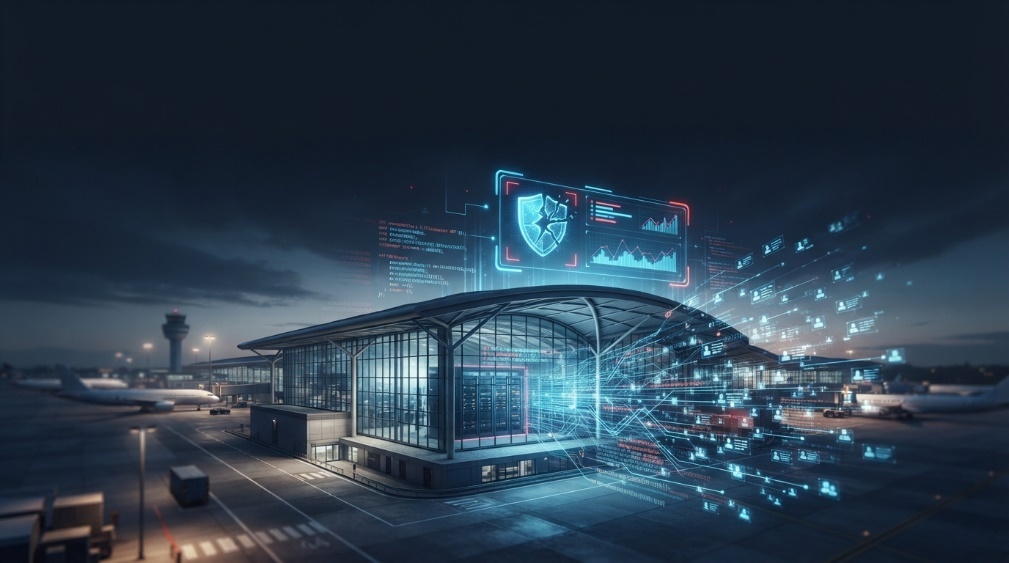
A security virtual appliance is a software tool that protects your systems. You set it up in a virtual machine or cloud server. It works like a firewall or threat blocker. The appliance checks traffic and stops threats in real time. You use one panel to apply rules and control access. The setup is fast and does not need any hardware. You save money and avoid long delays. Tools update quickly and grow with your apps. You get strong protection without adding devices.
How Does It Work in Network Security?

A security virtual runs inside a virtual machine. It performs the same job as a hardware firewall or IDS. The appliance runs on a cloud server or a local hypervisor. It scans the traffic between the systems and blocks. It watches for signs of attack or any unusual pattern. Each event is saved in the logs for review. You also set rules to manage access or stop risky actions.
Most appliances run in isolation. A firewall virtual appliance works across cloud and on-prem systems. They protect one part of the network without affecting others. You get alerts in real time. Setup takes less time than physical hardware. Control panels stay simple and easy to use. Updates apply without restarting systems. You respond faster when threats appear. Virtual appliances keep protection active at all times.
Main Benefits of Virtual Appliances Security
Virtual appliances offer strong protection without extra hardware. You install them faster and scale as needed. The system works across both cloud and on-prem setups. Each appliance adjusts to the environment. Security stays active even when the network grows.
- Simple setup through virtual machines
- Fast updates without downtime
- Lower cost than physical firewalls or IDS tools
- Easy movement between cloud and local systems
- Full control over traffic, access, and alerts
- Strong support for compliance and audits
- Less space and power use in data centers
- Real-time protection across all network layers
Use Cases Of Security Appliances
Virtual appliances protect many parts of your network. You can deploy them in cloud setups or on private servers. Some run inside hybrid environments where both cloud and on-prem systems connect. They work well for securing web apps, APIs, and internal tools. You also use them to isolate sensitive zones or monitor risky access points. Many teams place them between systems to filter traffic.
Some use them in testing environments where physical gear is not available. Others apply them inside multi-tenant platforms or zero-trust models. Every setup benefits from added visibility and fast response. You adjust the location based on what needs the most protection.
Examples Of Virtual Appliances In Cybersecurity

Virtual firewalls block unwanted traffic across virtual networks. They work like physical firewalls but run inside a cloud or virtual server. You can use tools such as pfSense, FortiGate VM, or Sophos XG. Each one scans packets, applies rules, and sends alerts. Network security virtualization detects signs of attack or policy violations. Snort and Suricata are two popular IDS tools used in virtual environments. They scan traffic for threats without stopping system activity. IPS appliances take one step further.
They block malicious actions in real time. Tools like Cisco Firepower and Trend Micro Deep Security offer IPS functions in virtual form. Each tool gives you more control over network behavior and keeps your systems safe.
On-Prem Vs Cloud Security Appliances
Cloud-based virtual appliances run inside public or private cloud platforms. You launch them quickly on AWS, Azure, or other services. Each appliance protects cloud apps, storage, and user access. No physical setup or extra space is required. You scale protection based on demand. Costs stay flexible based on usage. Many businesses choose cloud options for speed and reach.
On-prem virtual appliances run inside private data centers. You place them on local servers using virtual machines. Control stays fully in your hands. You apply rules, manage updates, and monitor activity directly. On-prem tools fit systems that need high control or compliance. You choose based on your risk level, environment, and resource plan.
How Virtual Appliances Improve Network Security?
Virtual appliances protect traffic across networks. You stop threats before they reach apps or data. Each appliance checks for unsafe patterns or access. You set clear rules to block known risks. Tools alert you when something looks wrong. You act fast without waiting for manual checks. Networks stay safer when threats are handled early.
Virtual tools also improve visibility. You see what enters and exits the system. Logs show attack types, sources, and response actions. You spot weak points before they cause damage. Every scan helps you update your defense plan. Appliances protect cloud, on-prem, and mixed setups. You get full coverage without extra hardware. Security stays strong without slowing performance.
When to Use a Virtual Security Solution?

You should use a virtual solution when physical tools do not fit your setup. Small teams, cloud platforms, and fast-growing apps need flexible options. A virtual appliance starts fast and runs on any virtual system. No wires, racks, or extra hardware are needed. That saves cost and time. You protect more areas without slowing down your work.
It also helps when systems change often. You move virtual tools from one server to another. Each scan adapts to the new network layout. You stay ready for new risks without restarting security. Many use virtual tools during cloud shifts, app testing, or remote expansion. It is smart to pick virtual tools when speed, scale, and simplicity matter most.
How does PlutoSec help with Virtual Appliance?

PlutoSec offers a fast setup for every security appliance. You choose what to protect, and we deploy tools that match your needs. Each appliance fits cloud, hybrid, or on-prem systems. No delays or extra hardware are required. You start with clear steps and full support. Reports stay simple, and alerts stay active. You control every scan without a deep setup.
You also get expert help with every virtual security solution. Tools are updated on time and match your system's growth. You track risk in real time. Setup works across firewalls, IDS, and IPS tools. We help you scale protection as apps grow. PlutoSec makes it easy to start strong and stay secure across every layer.
Get reliable protection with virtual appliances from PlutoSec. Reach out now and secure your systems without delay.
FAQs
What is a security virtual appliance?
A virtual appliance is a software-based tool. It runs inside a virtual machine rather than using hardware. You use it to block threats, scan traffic, and control access.
How is a virtual firewall different from a physical one?
A virtual firewall runs on cloud or local servers. You don’t need cables or physical devices. It offers the same protection through software and scales faster.
When should you use virtual security?
You should use it when your systems change fast. It works best in cloud, hybrid, or fast-moving networks. You get full protection without adding hardware.
Can IDS and IPS tools run as virtual appliances?
Many IDS/IPS virtual appliances work as virtual appliances. They scan network traffic, block attacks, and log threats. You install them on any supported virtual platform.

Written by
Admin User